How long does a business computer last?
A business computer typically has a useful lifespan of 4 to 6 years, depending on hardware quality, intensity of use, and whether it has been regularly maintained. After that period, the computer is usually not broken — but it's slow, unsupported, and risky.
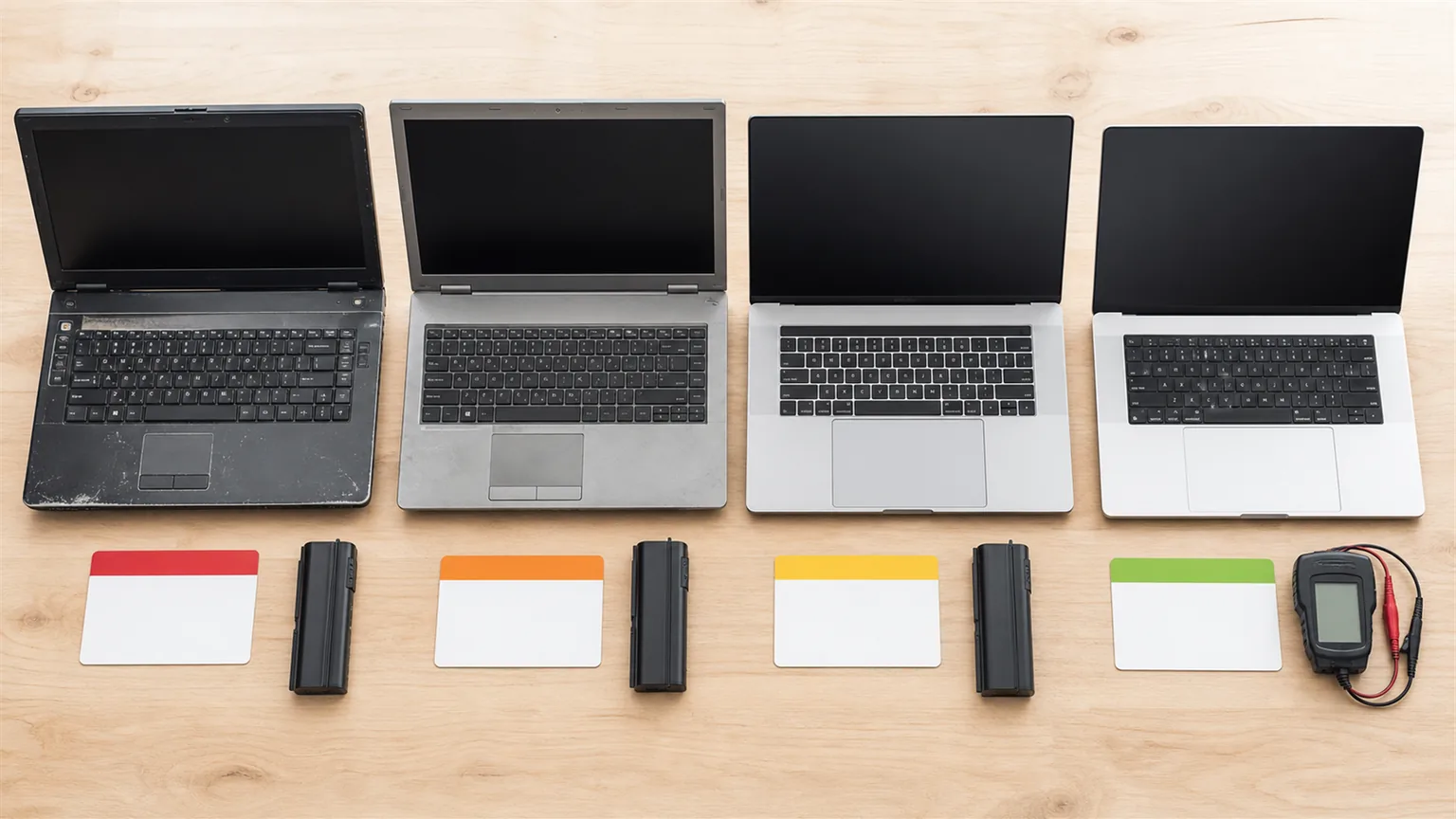
A laptop has a somewhat shorter lifespan — 3 to 5 years — because it's exposed to physical wear (battery, keyboard, screen) in addition to hardware ageing.
An important distinction: hardware lifespan and software lifespan are not the same. A computer that physically works may be in a position where it can't run current versions of software or where security patches are no longer supported. Windows 10 loses support in October 2025. Computers that cannot run Windows 11 must be replaced before that date.
Clear signs it's time to replace
- The computer cannot run Windows 11 — older processors and computers without a TPM 2.0 chip don't meet the requirements. When Windows 10 loses support, these computers become a security risk.
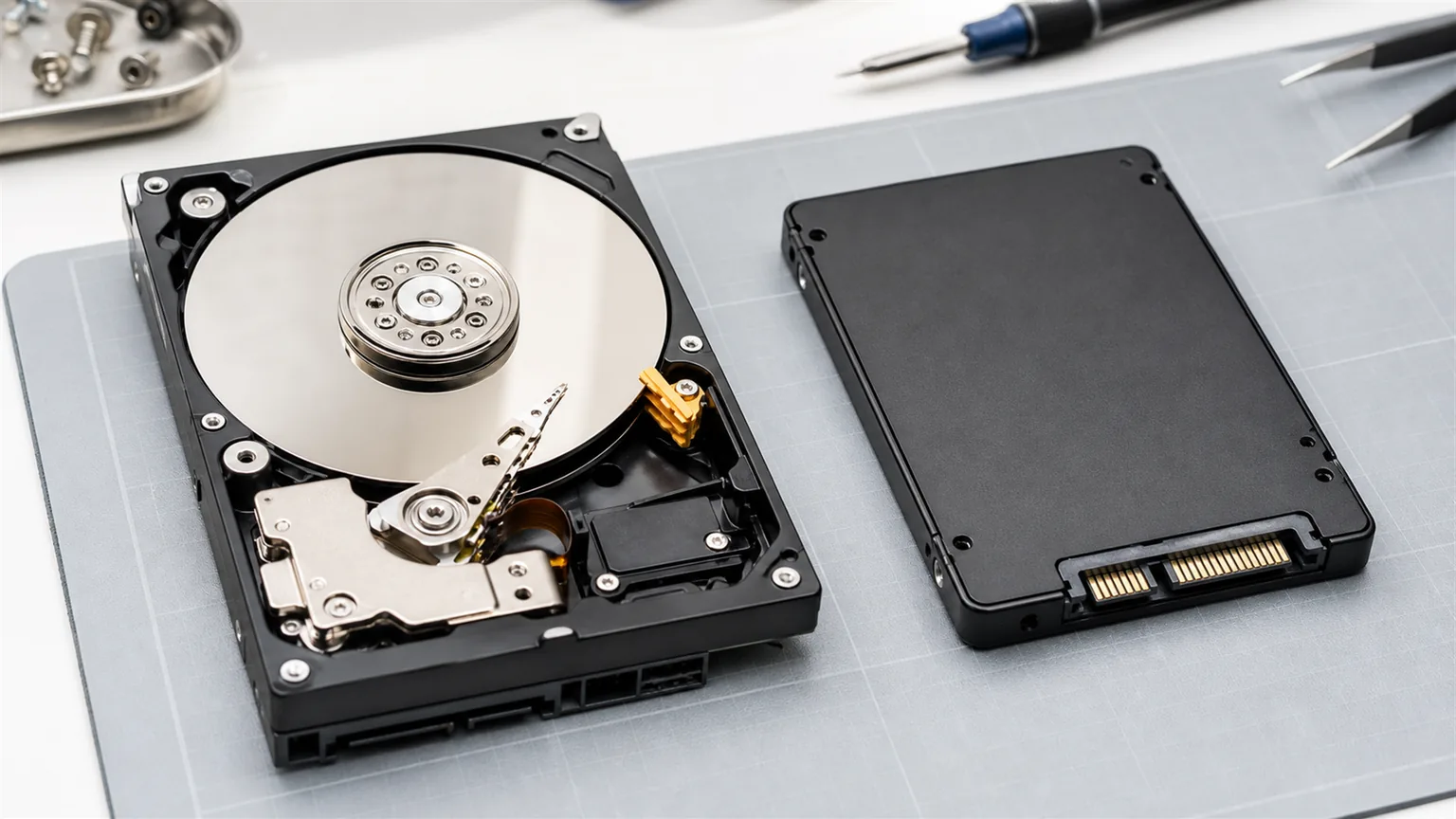
- Startup takes more than 3 minutes — even after replacing the HDD with an SSD, if the processor and RAM are the bottleneck, the upgrade doesn't help enough.
- RAM is less than 8 GB — Windows 11 with standard business applications requires a minimum of 8 GB RAM for normal operation. Less than that means constant slowdowns.
- Frequent problems and downtime — if employees regularly lose time due to computer problems, the productivity cost exceeds the price of a new computer.
- Software you use doesn't support the older OS — new software increasingly requires Windows 11 or current library versions.
Practical rule: If an employee loses 30 minutes a day due to a slow computer, that's 120+ hours per year. At average gross salary, that's significantly more than the cost of a new computer. A computer that slows down work effectively "pays for itself" through lost productivity.
TCO — total cost of ownership
The cost of a computer isn't just the purchase price. TCO (Total Cost of Ownership) includes: purchase price, software and licence costs, maintenance and repair costs, and the cost of lost productivity due to slowness or failures.
A computer purchased for 400 EUR that costs an employee 30 minutes of productivity daily has a real total cost far exceeding a new computer at 700 EUR that runs flawlessly.
For companies we procure computers for, we typically recommend Custom Build desktop computers tailored to each employee's needs — not overpriced, but not the cheapest either. The goal is the optimal performance-to-cost ratio for the specific use case.
Conclusion
Business computers should be replaced every 4–6 years, or sooner if they show clear signs of obsolescence. A computer that holds back employee work is a cost, not a saving.
If you're not sure which computers in your business need replacing, contact us. We assess the entire computer fleet and create a replacement plan that fits your budget.