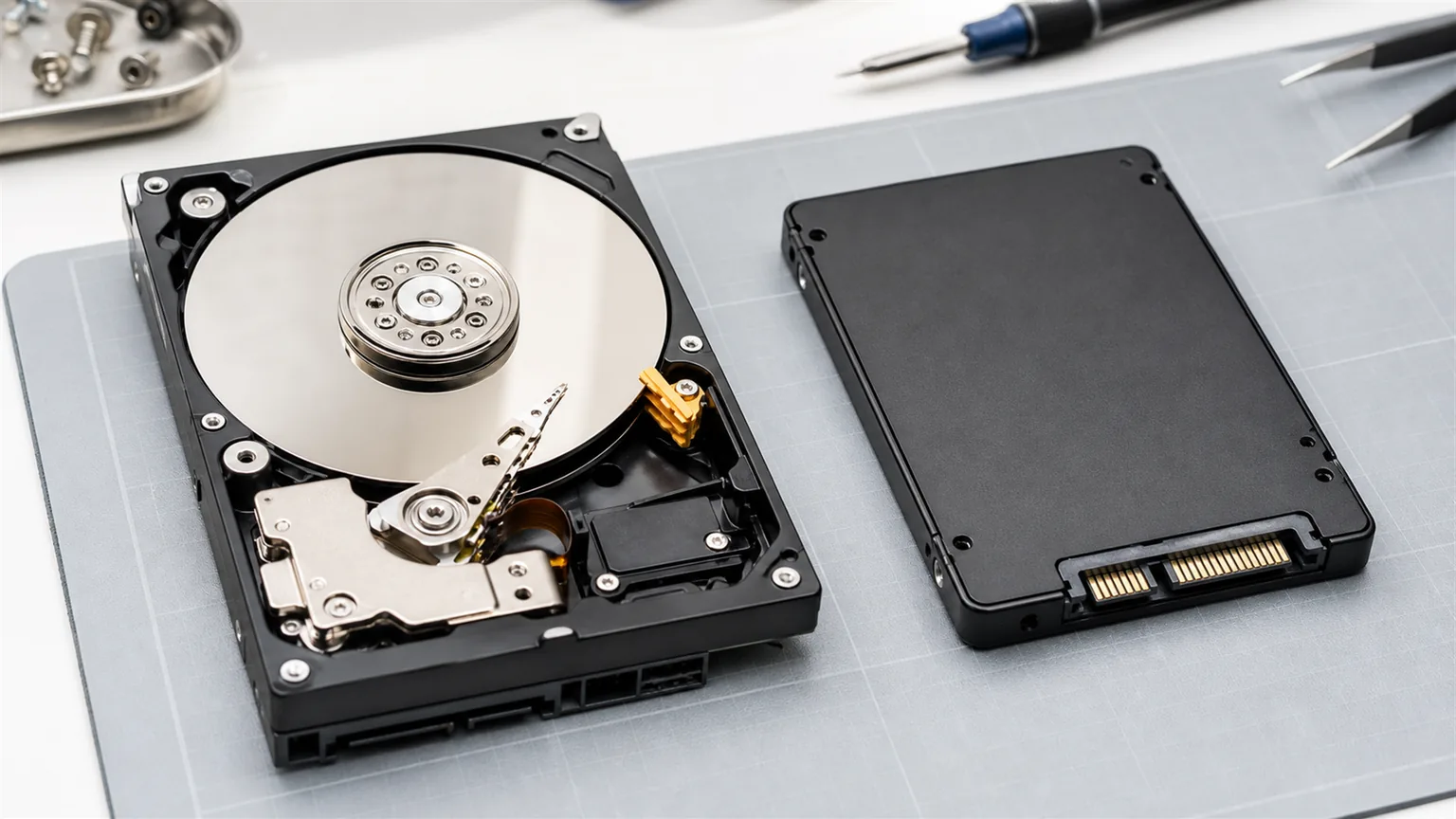
SSD vs HDD — the fundamental difference
An HDD (Hard Disk Drive) is a mechanical device — magnetic platters physically spin inside it. An SSD (Solid State Drive) has no moving parts and stores data on memory chips, similar to a USB flash drive.
This fundamental difference in technology directly affects everything that matters for business use: speed, reliability, power consumption, and noise.
How big is the real speed difference?
| Operation | HDD | SSD |
|---|---|---|
| Windows startup | 1–3 minutes | 15–25 seconds |
| Opening an Office document | 5–15 seconds | 1–3 seconds |
| Launching Excel | 8–20 seconds | 2–4 seconds |
| Copying 10 GB of files | 3–5 minutes | 30–60 seconds |
| Read speed | 80–160 MB/s | 500–3,500 MB/s |
In practical terms: an employee working on an SSD computer waits a cumulative 20–40 minutes less per day just from faster application launches and file loading. Over a year, that's days of productivity per employee.
Reliability and lifespan
HDD drives have moving parts that wear out and fail — the average lifespan is 3–5 years of intensive use. SSDs have no moving parts, are more resistant to shocks and vibration, and are more reliable in business use. Both types can fail without warning, which is why backup is always essential regardless of drive type.
When does an SSD upgrade make sense?
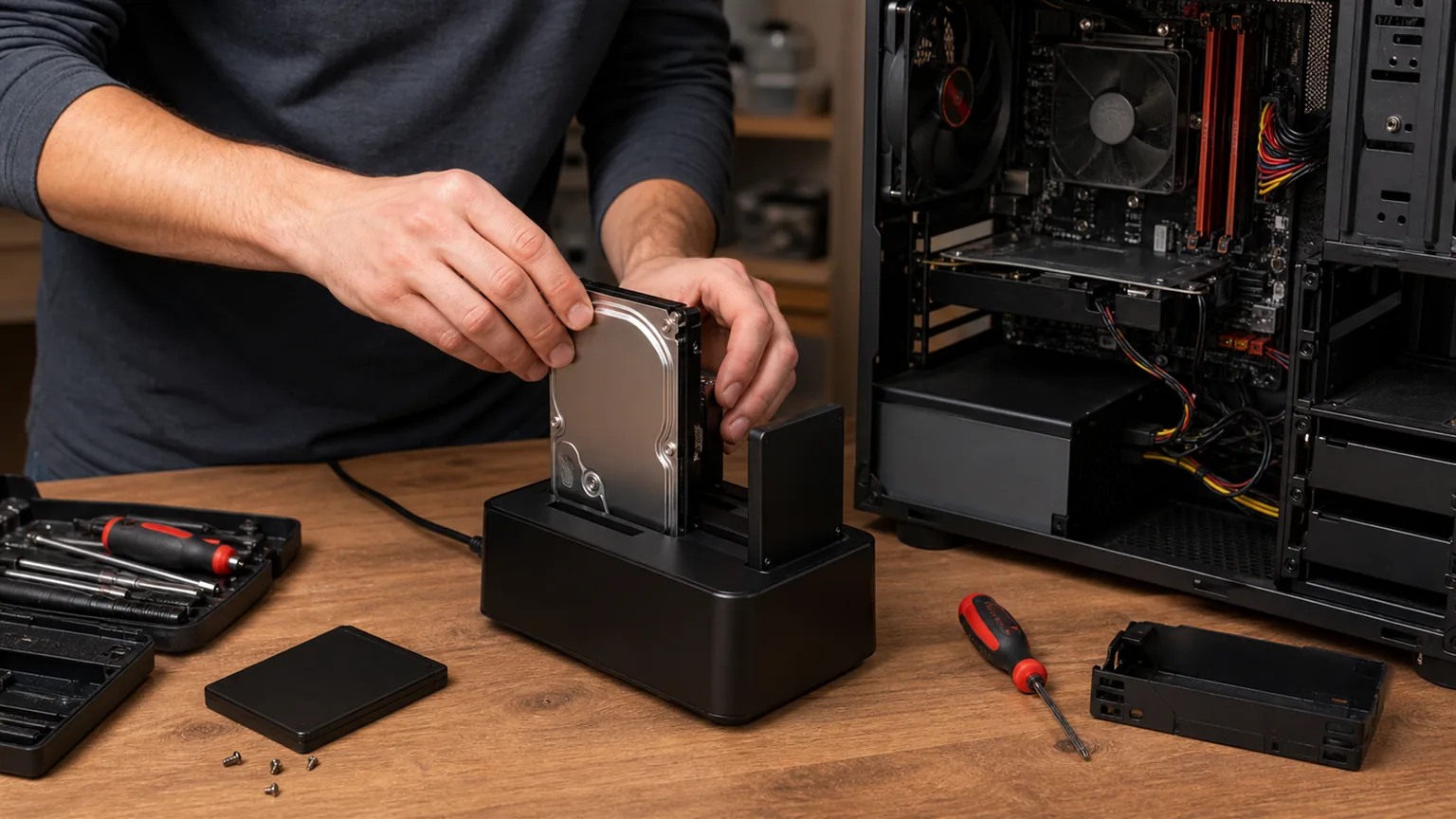
Upgrading a computer from HDD to SSD is one of the most cost-effective IT investments available. A computer that is slow because of its drive, but has sufficient RAM and a processor that handles today's demands, can become nearly as fast as new — for the cost of a 60 to 120 EUR drive plus installation time.
- Upgrade makes sense if the computer is a slow starter but otherwise runs stably and has 8+ GB RAM.
- Upgrade doesn't make sense if the computer is 7+ years old with an outdated processor — in that case, a new system is the better option.
- Every new computer we configure for clients comes standard with an SSD drive — that's today's minimum for business use.
NBG TEAM recommendation: If your employees are complaining about slow computers, before buying new ones, check whether the drive is the problem. In many cases, replacing the drive solves the issue for a fraction of the cost of a new computer.
Conclusion
For every new business computer — SSD is the only reasonable choice. For existing business computers that are running slow — replacing an HDD with an SSD is the fastest and cheapest way to significantly increase productivity.
If you're not sure which computers in your business would benefit from an upgrade, contact us. We assess the hardware state and give you a concrete recommendation.