Network printers and office peripherals
A printer that only works for one computer, or that disappears from the network every Monday morning, is not a solved problem. We install, configure and integrate printers so that every authorised user can print from day one — and every day after.
Request installation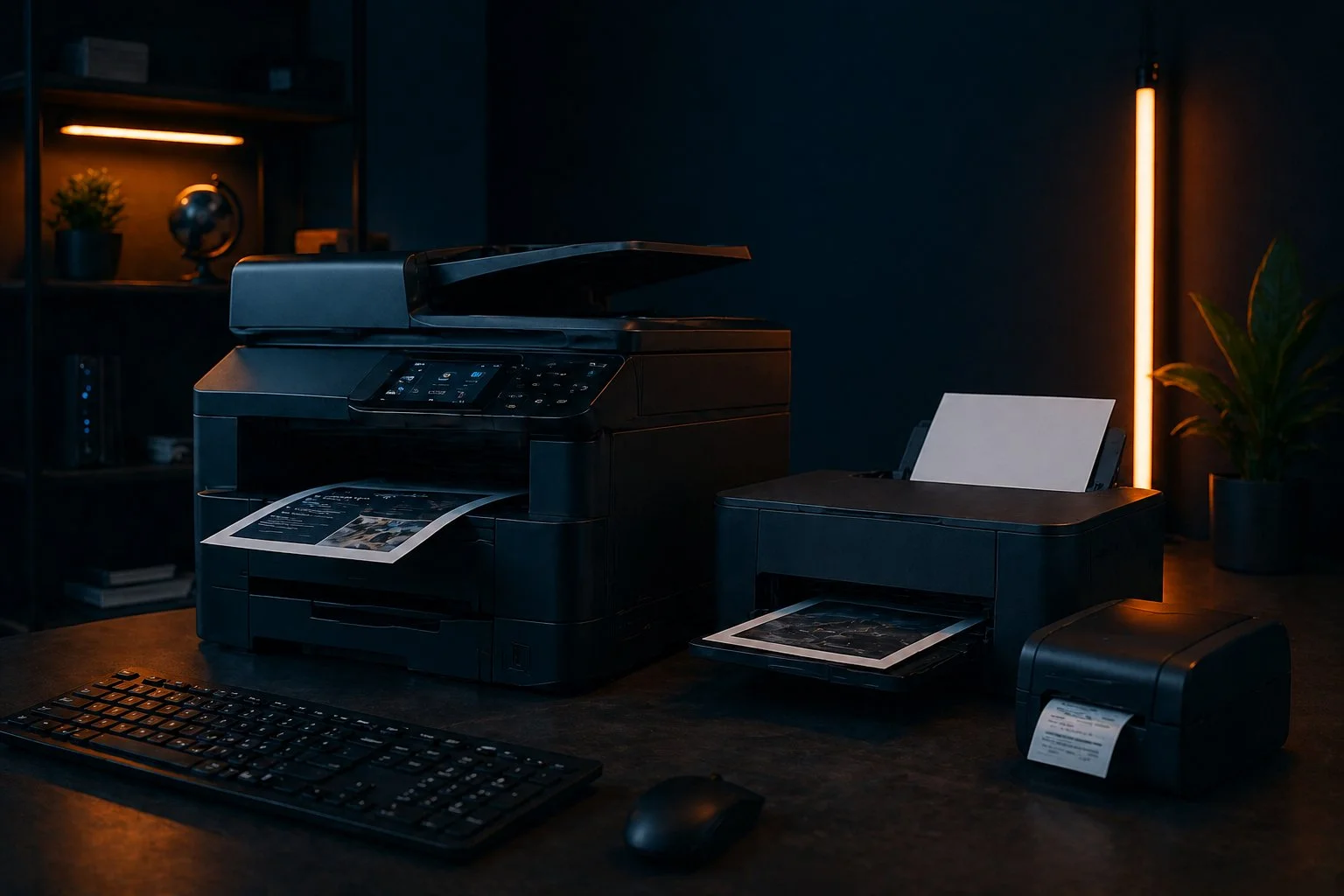
More than just plugging in a printer
Connecting a printer to a single computer takes five minutes. Integrating a multifunction network printer into a business environment — so that it's visible to every workstation, accessible based on user permissions, scanning directly to email or shared folders, and stable across system updates — is a different job entirely.
We handle the full setup: physical installation, network configuration, driver deployment to all relevant computers, scan-to-email and scan-to-folder routing, print server configuration where needed, and user access management. When we leave, printing works — for everyone.
What we install and configure
- Network printers and multifunction devicesLaser and inkjet multifunction devices for offices of any size — print, copy, scan, fax — configured on the network and accessible to all authorised users. We work with HP, Canon, Xerox, Kyocera, Brother and other leading brands.
- Scan to email and scan to folderWe configure scanners to send documents directly to individual email addresses or to shared network folders — eliminating the need to transfer files manually and improving document workflow across the office.
- Print server setupFor offices with multiple printers and users, a print server centralises management, enables usage tracking and ensures consistent driver deployment across all workstations.
- Label and receipt printersThermal label printers for warehouses, logistics and retail — barcode, shipping label and receipt printers configured for your software and integrated into your workflows.
- Scanners and document managementStandalone document scanners for high-volume digitisation — configured with your document management software or set up for direct network folder delivery.
- Peripheral troubleshooting and maintenanceIf an existing printer or peripheral has stopped working reliably — drivers, network connectivity, paper feed issues — we diagnose and fix it, or advise on replacement if repair is not cost-effective.
Typical problems we solve
In offices, clinics, law firms, accounting firms and retail businesses in Belgrade, printers often become a daily source of downtime. The problem is usually not the device alone, but the network, drivers, scanning setup or the way users were added.
How we onboard an office printer
A business printer is not just a driver. It needs a stable network address, clear naming, scan destinations, access rules and a test from the computers that will actually use it.
Choosing the right printer for your office
The right printer depends on your print volume, the types of documents you print, whether you need colour, whether scanning and copying are important, and how many people will use the device. We help you choose before you buy — so you don't end up with a home-grade device that can't handle business workloads, or an enterprise machine with features you'll never use.
We can procure the equipment or work with hardware you've already purchased. Either way, we take responsibility for the full configuration and integration.