Why does device connectivity matter?
Employees often start work on a phone, continue on a laptop, send a file through chat and finish it in a cloud document. If that flow is unmanaged, files are duplicated, versions are lost and business data ends up in the wrong places.
Better device connectivity can speed up work, but only if there is a rule for where the final version of a document lives.
Faster sharing is not always better sharing
Google announced easier sharing and switching between Android devices. For users, this is convenient. For a company, the question is whether the file is shared through a business account, whether there is a trail and whether the recipient is authorized.
Without rules, the fastest sharing method often becomes the messiest storage method.
Practical advice: agree on one place for final documents. Chat, phone and email can be channels, but they should not become the company archive.
The phone as part of the office
When a laptop can access phone files more easily, field workers, sales teams and managers can benefit. Photos of receipts, installation pictures or meeting documents can move into the workflow faster.
But those photos and documents should end up in a business folder, CRM or records system, not only in the phone gallery.
How to organize work across devices?
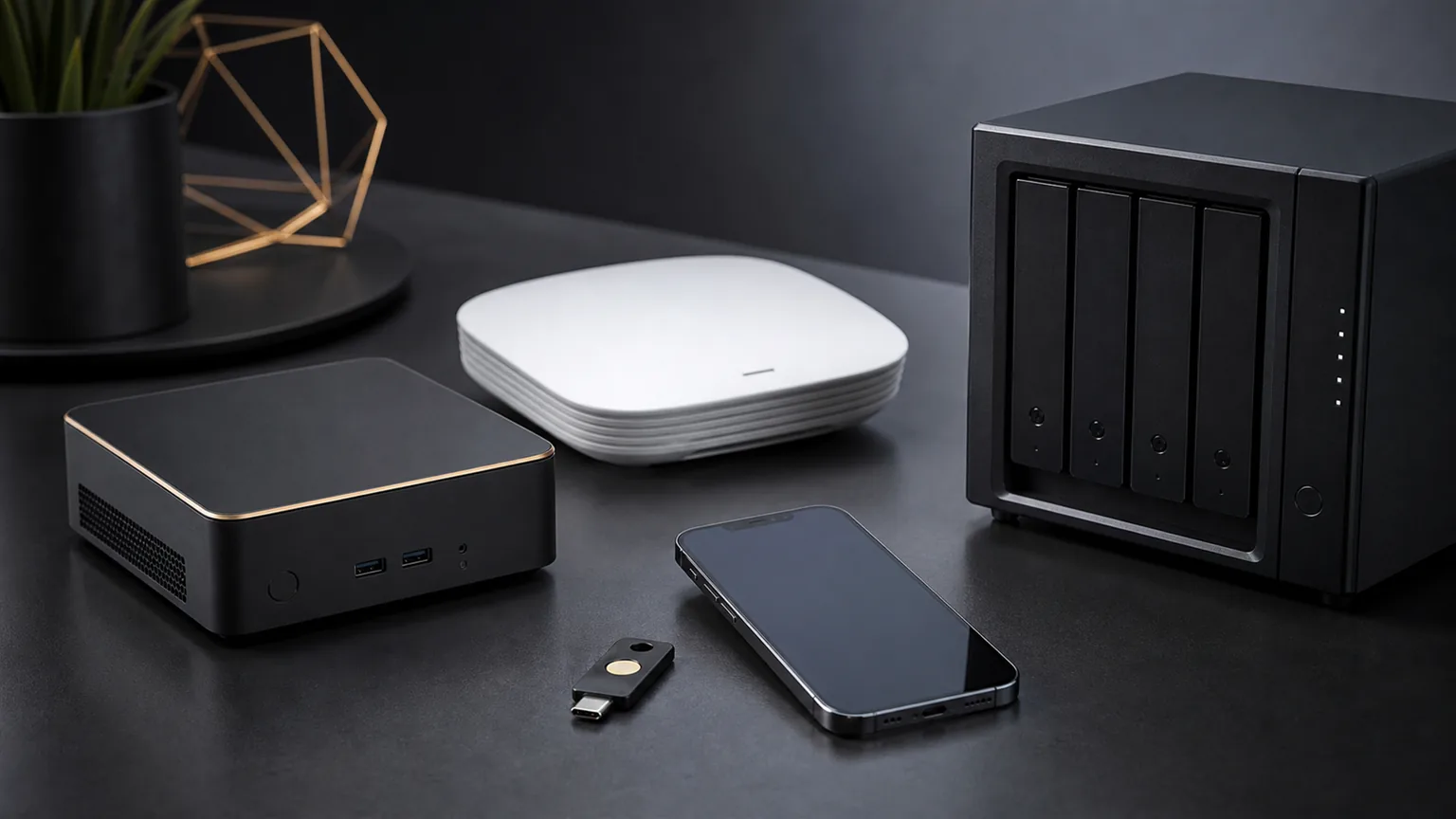
Define business accounts, cloud folders, external sharing rules and rules for document photos. If the company uses a NAS or server, clearly separate what goes local and what goes to cloud.
For small businesses, a few simple rules that people actually follow are often enough.
Conclusion
Device connectivity can be a major advantage, but only if it does not create information chaos. The goal is not that a file can go anywhere, but that it quickly reaches the right place and stays under company control.
Sources and note
This article is summarized and adapted for small and medium businesses based on public announcements and technical blogs, without copying source content.
- Android Show: Android makes it easier to share, switch and connect securely
- Google Blog: Introducing Googlebook
- Article photos: Image source: Google Blog: Gemini Intelligence for Android
When documents move between devices, teams need a clear source of the current version and controlled access. Review the options for central business file storage and sharing.