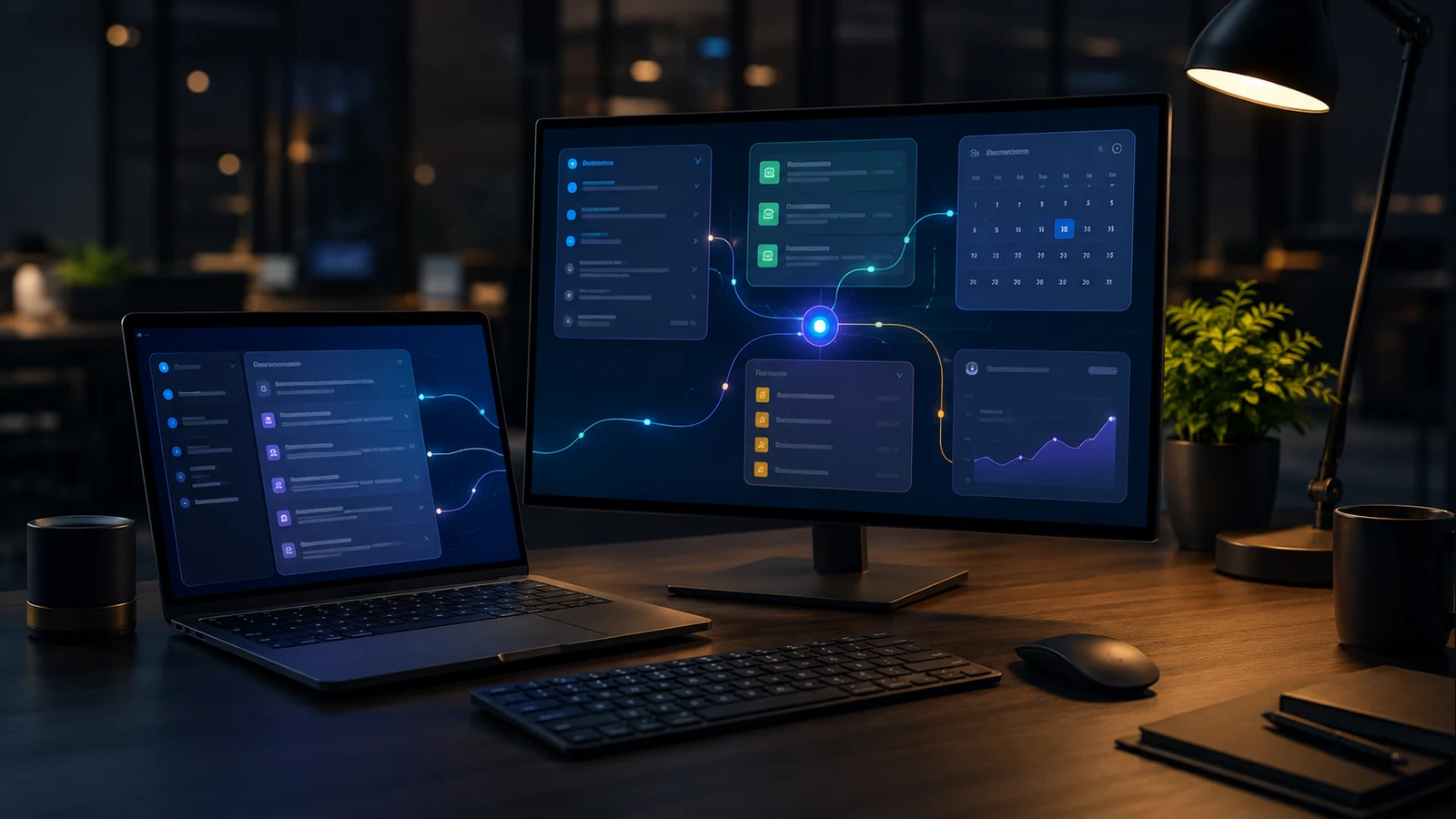
What is Gemini Spark?
Google describes Gemini Spark as a personal AI agent that can proactively help throughout the day. The idea is not only to ask a question, but for the agent to track tasks, organize information and prepare the next step.
In a business context, that could mean email summaries, a daily plan, document search, draft replies or connecting information from Gmail and Drive.

Why does AI Inbox matter?
Email is still the nervous system of a small business. Offers, complaints, invoices, clients, suppliers and internal decisions often live in the inbox.
If AI can group messages, highlight urgent ones, draft replies or connect an email with a Drive document, it can reduce chaos. But AI should not make decisions about clients, payments or confidential matters by itself.
Voice in Gmail, Docs and Keep
Google is adding new voice capabilities for Gmail, Docs and Keep. It may sound small, but it can be useful in daily work: dictating an offer idea, making a note after a service visit or drafting an email without sitting at a keyboard.
Voice input still needs care. If sensitive information is dictated, the business must know where it is stored, who can access it and whether it is used according to policy.

What should be done before enabling it?
First, check plan and feature availability. Second, define who may use AI features. Third, clean up Drive sharing. If file access is messy, AI will work on messy context.
Most important: AI output is a draft, not truth. People need to know when they may accept a suggestion and when they must verify a document, contract, price or data point.
Conclusion
Google Workspace is entering the agent era. Gmail is no longer only an inbox, Docs is not only a document, Drive is not only a folder. They are increasingly part of one context AI can read and use.
For businesses, the key is to move calmly: clean up access, set rules and use AI where it truly saves time.
Sources
Changes to business tools need clear account and access responsibilities. Support for employees and business systems helps put technical changes in the context of everyday work.