What is Googlebook?
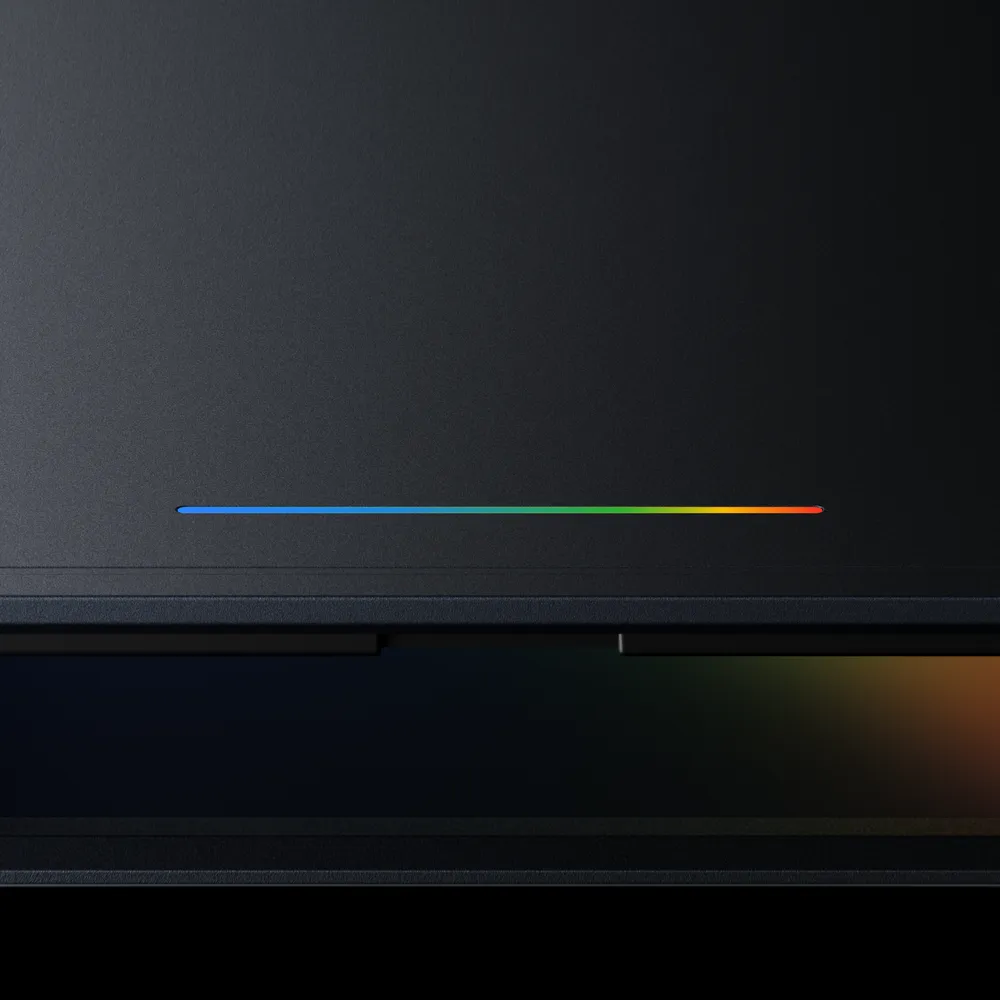
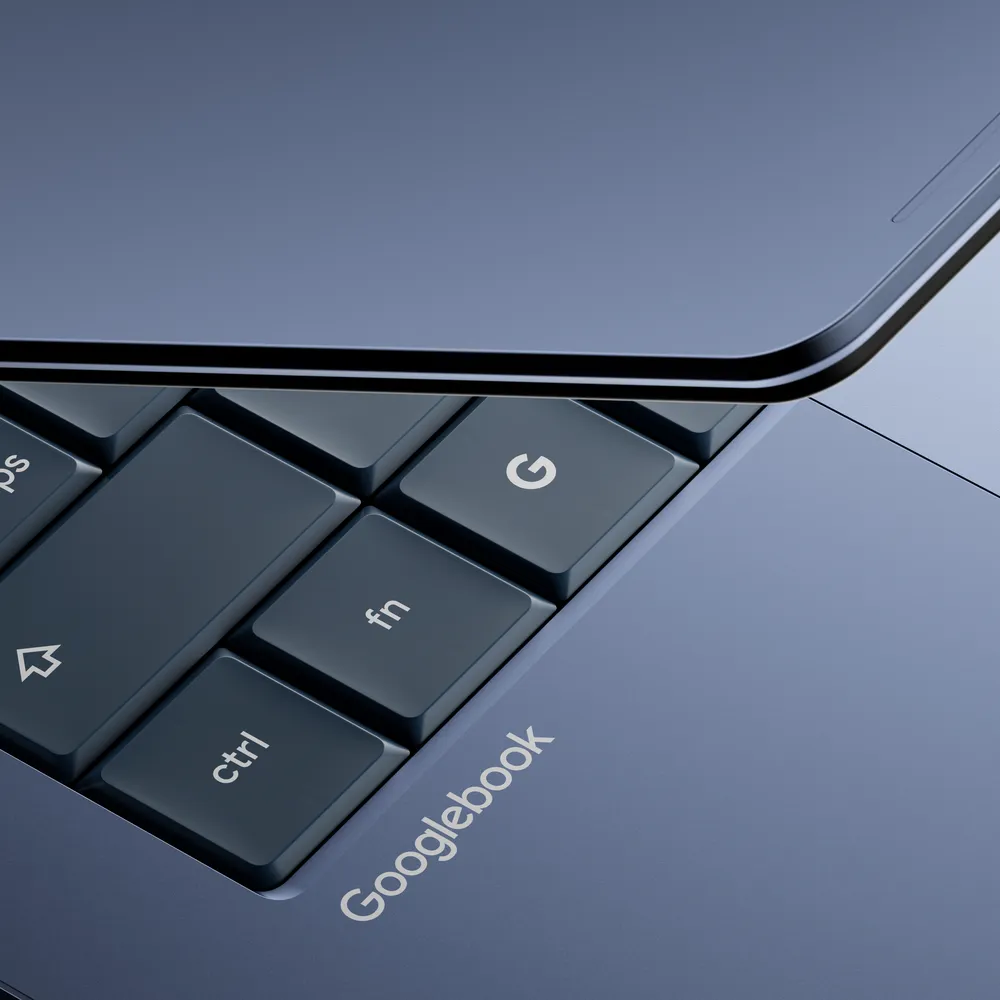
Googlebook combines the idea of Chromebook, Android apps and AI assistance into one laptop experience. Google announced features such as Magic Pointer, prompt-created widgets and tighter integration with Android phones.
For users, that sounds attractive: less manual switching, easier access to phone apps and help organizing tasks. For businesses, the important question is whether the device fits the existing workflow.
Who could benefit from it?
Googlebook may be interesting for companies that already work in the browser, use Google Workspace, web apps, simple CRM systems and Android phones. For those users, an easy-to-maintain laptop may make sense.
Companies that depend on specific Windows software, accounting apps, local databases or special peripherals must check compatibility before buying.
Practical advice: before buying a new laptop category, make a list of required apps and devices. If one critical app does not work, the most modern laptop becomes a problem.
AI on a laptop does not replace IT policy
AI features can help organize tasks, review files and search information. But the same rule applies as with every AI tool: permissions, business accounts and data protection must be solved first.
If an AI laptop can access documents, email and calendar, the company must know who controls the account, how the device is wiped remotely and where the data is stored.
How to choose between Windows, Chromebook and Googlebook?
The right choice depends on the work. Administration, sales and browser-based apps may work well on a lighter cloud device. Engineering, accounting, specialized software and local server tools often still require a Windows laptop.
Do not buy based on marketing. Start with the actual list of programs employees use every day.
Conclusion
Googlebook is an interesting announcement, but businesses should stay practical. A new laptop makes sense only when it supports the real workflow, security, backup and maintenance model.
Sources and note
This article is summarized and adapted for small and medium businesses based on public announcements and technical blogs, without copying source content.
- Google Blog: Introducing Googlebook, designed for Gemini Intelligence
- Android Show: I/O Edition 2026
- Article photos: Image source: Google
Choose computers around business applications, compatibility and the way employees work. Our approach to computers configured for business workloads starts with those requirements rather than a new device category.