
When an employee uses AI only to rewrite a short paragraph, the risk is relatively limited. The situation changes when the tool can access the internet, email, cloud files and other business services. A malicious instruction hidden in a website or document may then try to alter the tool's behaviour. This type of attack is called prompt injection.
Unlike conventional malware, prompt injection does not have to launch an executable file. The AI only needs to read content that tells it to ignore earlier rules, reveal information or visit another link. Modern systems use several protection layers, but businesses should still minimise the data and permissions available to any single tool.
How indirect prompt injection works
An employee might ask an AI agent to review a supplier's website and prepare a summary. The page could contain hidden text aimed at the AI rather than the person. It might instruct the agent to open another site, include information from a connected document or present unreliable content as fact.
Similar instructions may be hidden inside a PDF, email, comment or shared file. A user may never notice them, while the AI processes them as part of the assignment.
What Lockdown Mode does
OpenAI introduced Lockdown Mode for users and teams with elevated security requirements. The mode restricts selected capabilities connected to the internet and external services, reducing the opportunities for prompt injection to extract information.
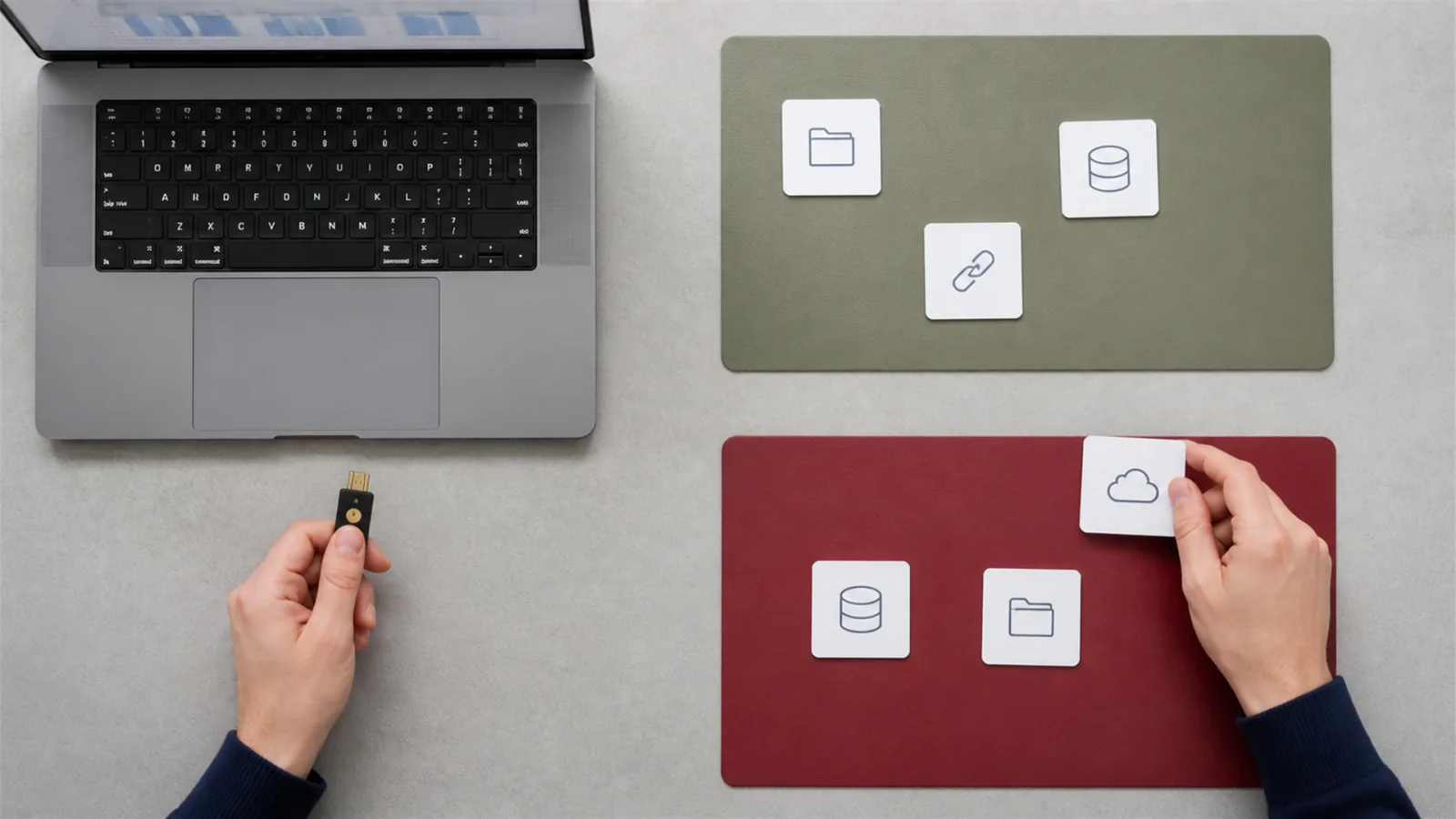
Not every employee needs the most restrictive mode all the time. It can be valuable for executives, administrators and users working with highly sensitive information, or whenever security matters more than the complete feature set.
Restricted access remains the most important control
An AI tool without access to a finance folder cannot extract data from it. Connected applications and cloud storage should follow the principle of least privilege. The agent receives only the access required for one job and, when possible, only for a limited time.
Personal and business accounts should remain separate. Employees should not connect a private AI account to business OneDrive, Google Drive or email without company approval.
Critical actions must remain under human control
Sending messages, sharing files, changing permissions, deleting data and making purchases should require explicit confirmation. Before approval, the user needs to see what will be sent, to whom and from which source.

Summaries that combine company information with internet sources deserve extra attention. AI may support research, but an external page must not be allowed to determine how confidential company data is handled.
Simple controls for a small business
Document approved AI tools and connected services. Require MFA, separate administrator accounts and review active sessions. Restrict confidential folder sharing and require human approval for external actions. For high-risk users, consider Lockdown Mode or disable unnecessary connectors completely.
NBG TEAM helps businesses organise accounts, permissions, Microsoft 365 and secure use of cloud and AI tools. ChatGPT security for business is not one setting. It is the combination of appropriate access, clear rules and responsible users.
Sources and further reading
For help with your specific business environment, see our business IT support service.