Business Computers Running Slow?
A slow computer is not just a technical issue — it is lost employee time. If computers take too long to start, applications open slowly, Outlook freezes, files load slowly or Windows often stops responding, NBG TEAM can check the cause and recommend a realistic solution: service, optimisation, upgrade or equipment replacement.
Request computer diagnostics
When slow computers become a business problem
One slow computer may seem like a minor inconvenience, but when employees wait every day for Windows to start, Outlook to open, a file to load or a business application to respond, the company loses productive time at every workstation.
Slow performance can be caused by ageing hardware, a weak or failing drive, insufficient RAM, too many startup applications, malware, unsuitable antivirus software, a nearly full disk, network problems, file synchronisation or equipment that can no longer keep up with the workload.
We therefore begin with diagnostics. Not every slow computer needs replacing, but not every computer can be fixed by a simple cleanup. Sometimes the system needs attention, sometimes an SSD or additional RAM is worthwhile, and sometimes planned replacement is the more economical decision.
Common symptoms
- the computer or Windows starts slowly
- applications take too long to open
- Outlook freezes or stops responding
- the browser keeps freezing
- Excel, Word or business software is slow
- the computer frequently locks up
- disk usage remains at 100%
- the fan is constantly loud
- the computer overheats
- network files open slowly
- OneDrive or SharePoint synchronisation takes too long
- antivirus software uses excessive resources
- users restart frequently just to continue working
- several employees report the same issue
- old computers slow down the whole team
What you can check before calling us
Collecting a few basic details helps us determine whether the issue affects one computer, the network, a specific application or ageing equipment.
- whether one user or several employees are affected
- the age of the computer
- whether it has an SSD or a traditional hard disk
- how much RAM is installed
- whether the drive is nearly full
- whether only one application is slow
- whether the internet is slow or only the computer
- whether the computer overheats
- whether the issue started after an update
- whether antivirus software shows warnings
- whether only network files are slow
- whether the computer was recently restarted
We do not recommend randomly deleting system files, disabling antivirus protection or installing “PC speed-up” utilities. Such tools often create more problems than they solve, especially in a business environment.
What NBG TEAM checks
Service, upgrade or replacement
After diagnostics we recommend the most sensible option. Sometimes system cleanup, removal of unnecessary software, startup optimisation and antivirus adjustments are enough. In other cases an SSD, additional RAM or a clean Windows installation makes the greatest difference.
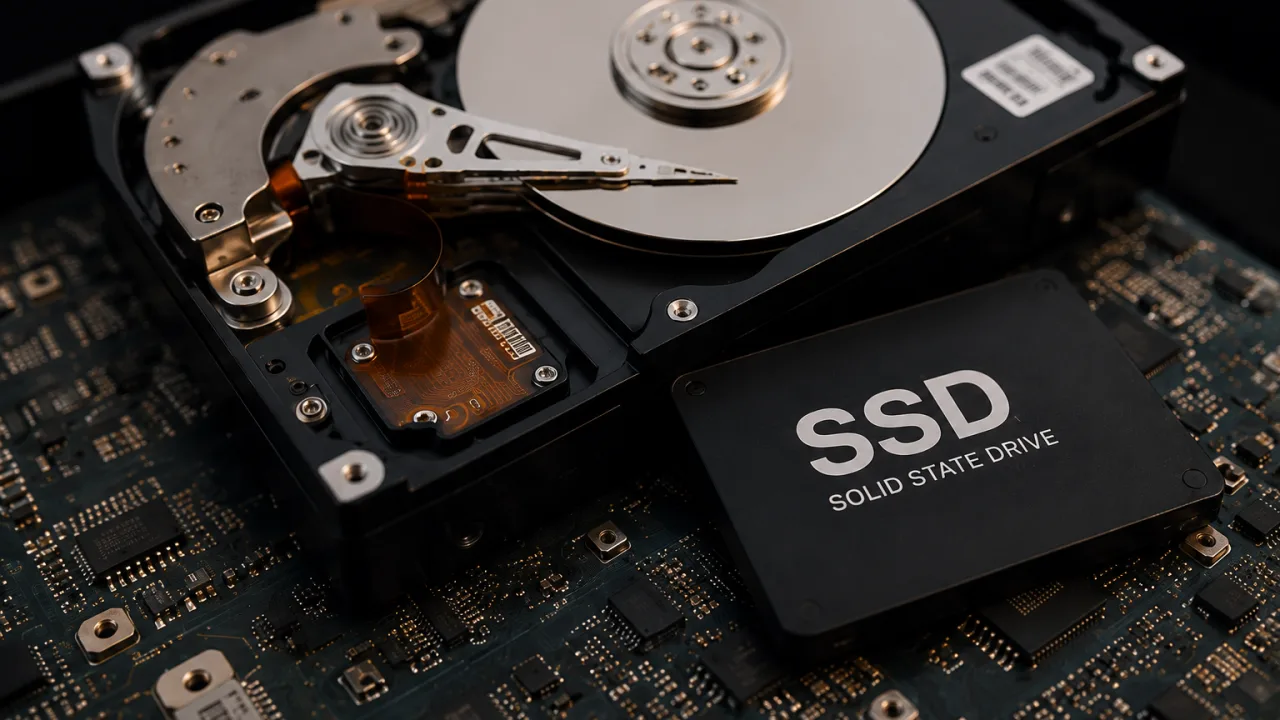
If a computer is old, unreliable or too weak for current applications, replacement is usually the better plan. We can help the company choose computers that match the employees’ real workload, rather than buying the cheapest model that will soon slow the work down again.
Remote support or on-site visit
We can check many performance issues remotely, including system load, startup applications, antivirus software, Windows errors, available disk space, basic settings and business application behaviour.
An on-site visit is needed when we must inspect hardware, replace a drive, add RAM, clean a computer, check a network cable, test equipment or prepare a new workstation.
Remote support usually covers:
- Windows errors and system load
- startup applications and unnecessary software
- antivirus settings
- Outlook and Microsoft 365 issues
- basic drive checks
- business application performance
- network file access
An on-site visit is needed for:
- drive replacement or SSD installation
- additional RAM
- physical computer cleaning
- overheating checks
- cable and physical network checks
- computer replacement
- preparing a new workstation
If the issue affects multiple computers
If several employees report slow computers, each workstation may not be the actual cause. The issue may involve the network, server, NAS, internet connection, file synchronisation, antivirus policy, old software or the way computers are configured.
In these situations, a wider review and managed IT maintenance are more effective than handling the same complaint one computer at a time. An equipment inventory and replacement priorities can then be maintained with ongoing IT support for companies.
When emergency IT support is needed
If a slow computer blocks a key employee, several computers suddenly stop working, or there is a suspected virus, ransomware infection or serious system problem, the situation should be handled as an emergency IT intervention.
Business computers running slow?
Send us a short description: how many computers are slow, their age, whether they have SSDs, whether one or several employees are affected and whether the issue occurs in a particular application.
Request computer diagnostics