What is new in ChatGPT for PowerPoint
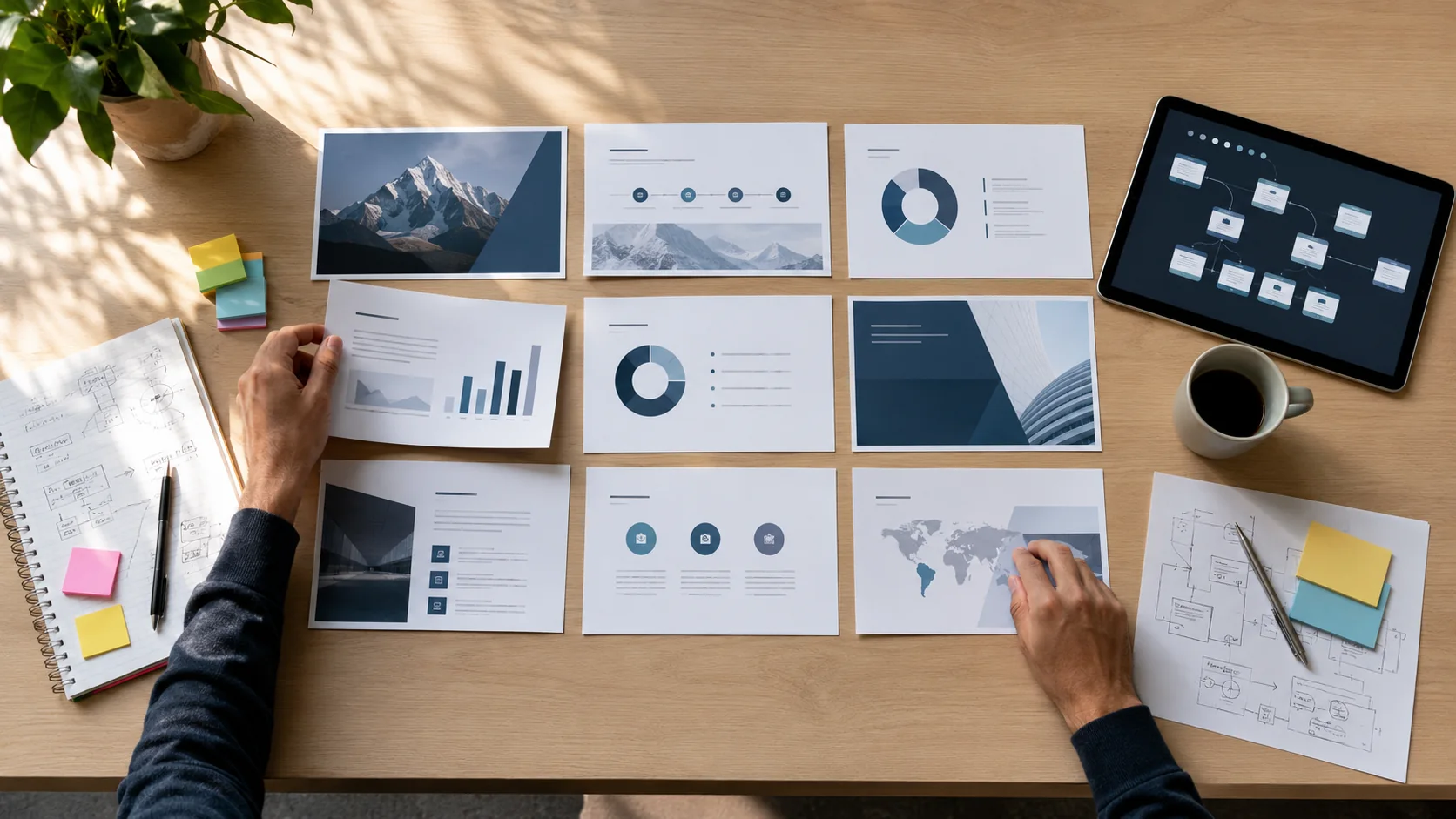
According to the official ChatGPT Business release notes, ChatGPT for PowerPoint became generally available for business use in early July 2026. A user can create a presentation draft, reorganise existing material and turn a document or a set of notes into structured slides.
The tool can suggest a narrative, headings and shorter copy, but it does not understand company context like an owner, account manager or finance director. It cannot know whether a price is current, whether a figure has been approved or whether a promise on a slide matches the actual service.
- Faster conversion of notes and documents into a presentation draft.
- Suggestions for slide order, summaries and clearer headings.
- Easier revision of existing PowerPoint material.
- More time for checking the message, figures and brand consistency.

Where AI presentations help businesses most
The biggest benefit is removing the blank first slide. Sales teams can structure a proposal, management can summarise a monthly report and HR can prepare onboarding material. When approved source material already exists, work that took hours can start in minutes.
Useful B2B cases include service proposals, project reviews, internal reporting and training. Any presentation containing customer data, pricing, employee information or contract details must still follow company policy.
Three risks businesses should not ignore
The first risk is inaccurate content. AI can fill a gap with a convincing but incorrect statement. The second is confidentiality: employees should not paste contracts, personal data or unpublished results into an unapproved account. The third is brand inconsistency when every employee generates a different visual style.
- Verify every number, product name, date and source.
- Use approved business accounts instead of employees' private accounts.
- Define which information must never be entered into an AI tool.
- Maintain an approved template, fonts, colours and legal notes.

A controlled workflow from draft to final deck
A reliable workflow has four stages: prepare approved sources, generate a draft, complete an expert review and apply final formatting. The content owner verifies facts, while the communication owner checks tone, brand and the call to action. The final PowerPoint file should live in a controlled business location with a clear owner and version.
Practical rule: AI may author the first draft, but the person sending the presentation remains responsible for every statement on every slide.
Conclusion
ChatGPT for PowerPoint can reduce repetitive work and speed up business presentations. It works best when combined with an organised Microsoft 365 environment, access control, approved templates and a clear human review process.
Source and further reading
For an assessment of your business environment and practical next steps, see our business IT support.