Laser vs inkjet for a business office
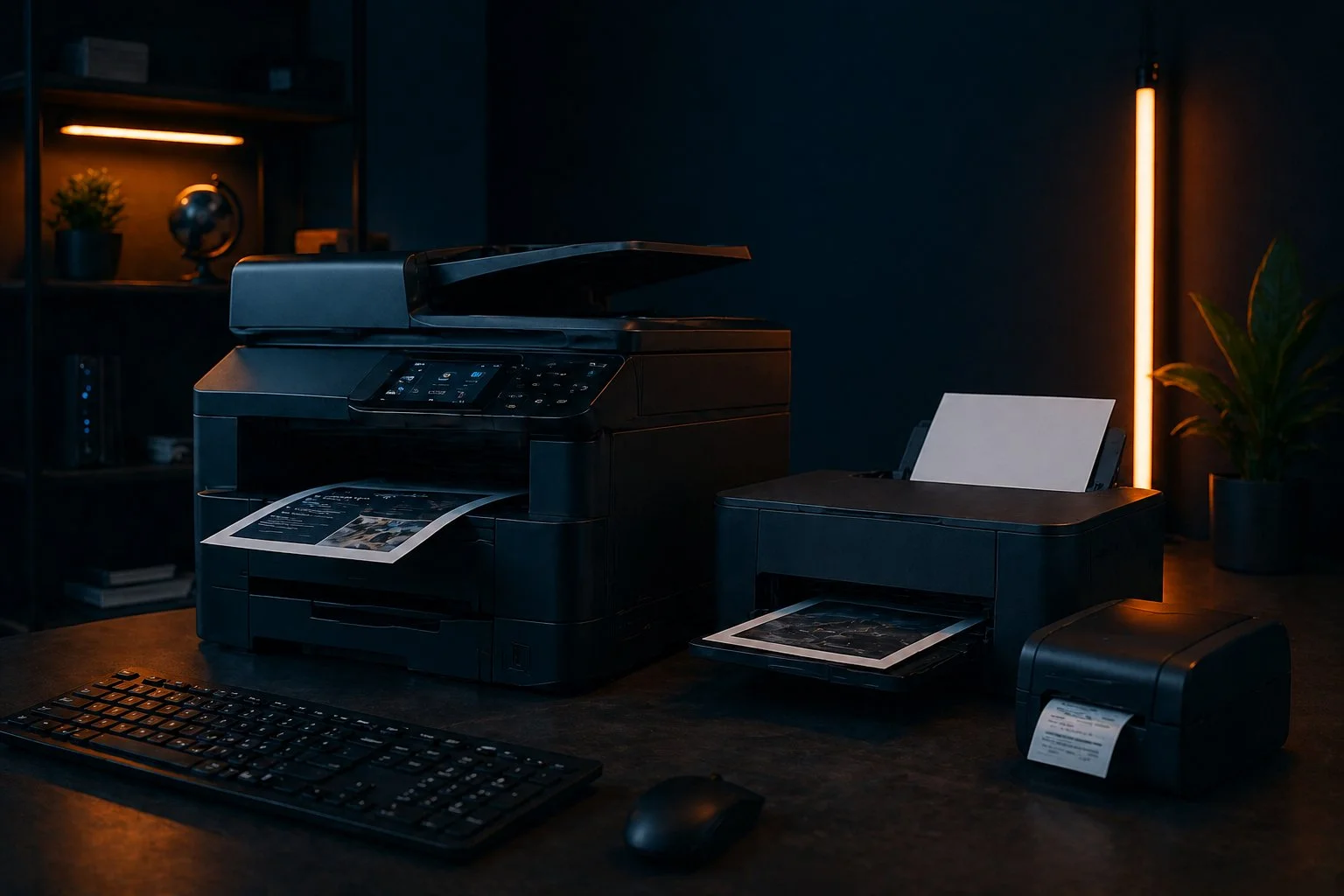
This is the most important decision when choosing a printer. For the vast majority of business offices, the answer is clear: a laser printer.
| Feature | Laser printer | Inkjet printer |
|---|---|---|
| Cost per page (black and white) | Very low | 2–5× higher |
| Print speed | 20–40 pages/min | 5–15 pages/min |
| Text quality | Excellent | Good |
| Photo quality | Good | Excellent |
| Reliability | High | Medium |
| Purchase price | Higher | Lower |
| Recommended for | Business use | Photos, occasional use |
Inkjet cartridges dry out if the printer isn't used frequently enough — a common problem in offices where printing is sporadic. Laser toner doesn't have that problem and has a significantly longer shelf life.
What actually matters when choosing a business printer?
- Monthly print volume — every printer has a recommended monthly volume. Exceeding it accelerates wear. If you print 2,000 pages per month, you need a printer built for that.
- Duplex (double-sided printing) — for companies printing larger documents, automatic double-sided printing saves both paper and time. We always recommend models with automatic duplex.
- Multifunction or printer only? — multifunction devices (printer + scanner + copier) are convenient, but if it breaks down, you lose all functions at once. For companies that intensively use all functions, sometimes separate printer and scanner is better.
- Cost and availability of consumables — check toner/cartridge prices before buying a printer. A cheap printer with expensive toner is a bad long-term investment.
Network vs USB printer — always network for the office
In an office with multiple computers, a USB printer connected to one computer is a poor solution: everyone depends on that one computer, which must be turned on for others to print.
A network printer (Ethernet or WiFi) is connected directly to the network and accessible to all computers independently. This is the only acceptable solution for office use with 3+ users.
When setting up a network printer, we assign it a fixed IP address and install drivers on all computers — so everyone can print without additional configuration.
Conclusion
For business offices, a laser network printer with automatic duplex is the standard recommendation. The higher purchase price is offset by lower cost per page and greater reliability.
If you're not sure which model fits your needs and print volume, contact us. We help with selection, procurement, and installation of printers in business environments.