What belongs in a small-business IT budget
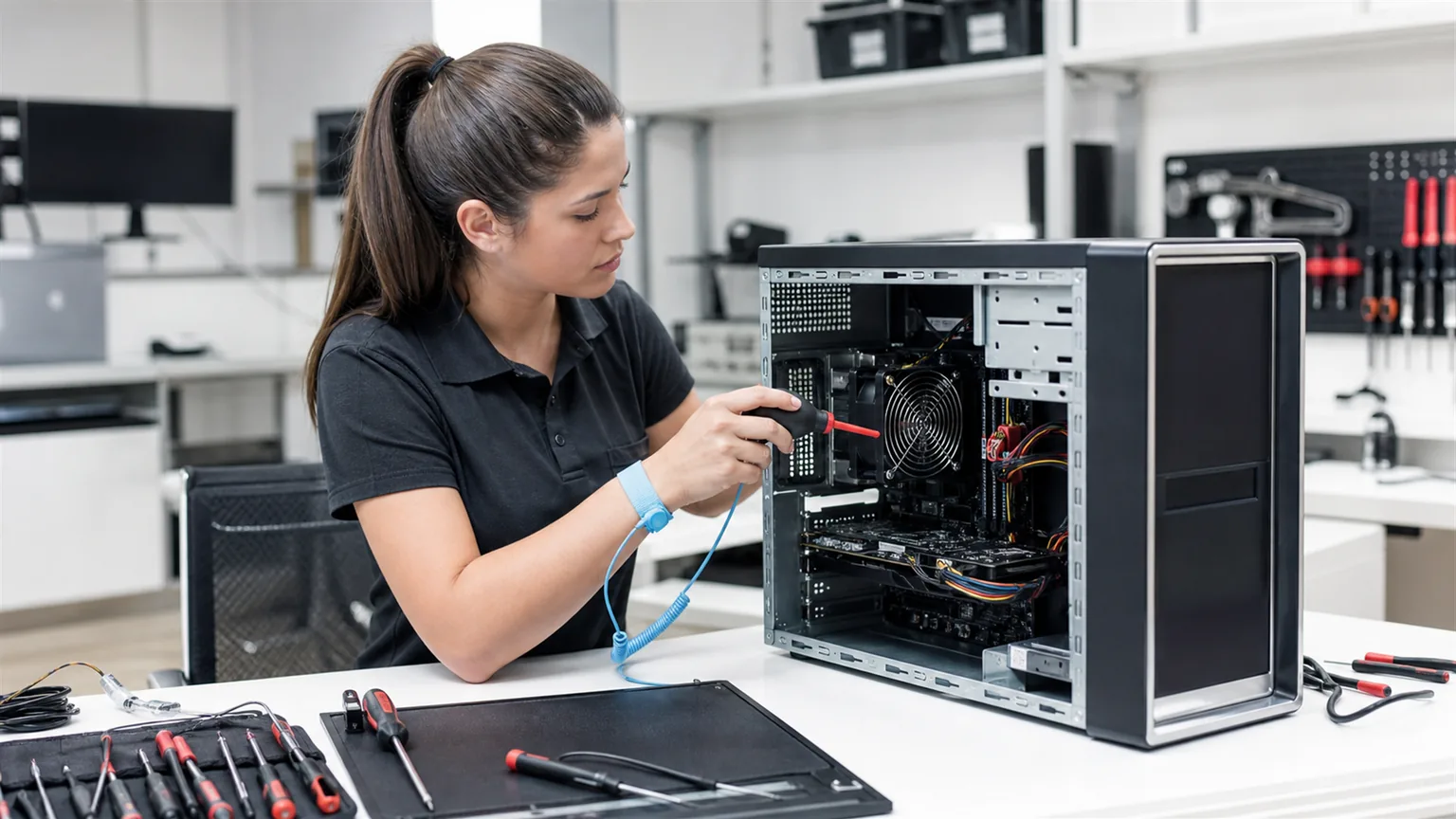
The budget should cover the systems that employees depend on every day, including items that are easy to forget because they are paid monthly or replaced infrequently.
- Desktop and laptop computers, monitors and peripherals.
- Network equipment, Wi-Fi, cabling and internet backup options.
- Microsoft 365 and other business software licences.
- Servers, NAS storage, cloud storage and backup.
- Endpoint protection, security tools and domain services.
- IT support, maintenance and planned project work.
Start with an inventory. Without a list of devices, users, licences and renewal dates, the budget will be based on guesses.
Separate recurring and one-time costs
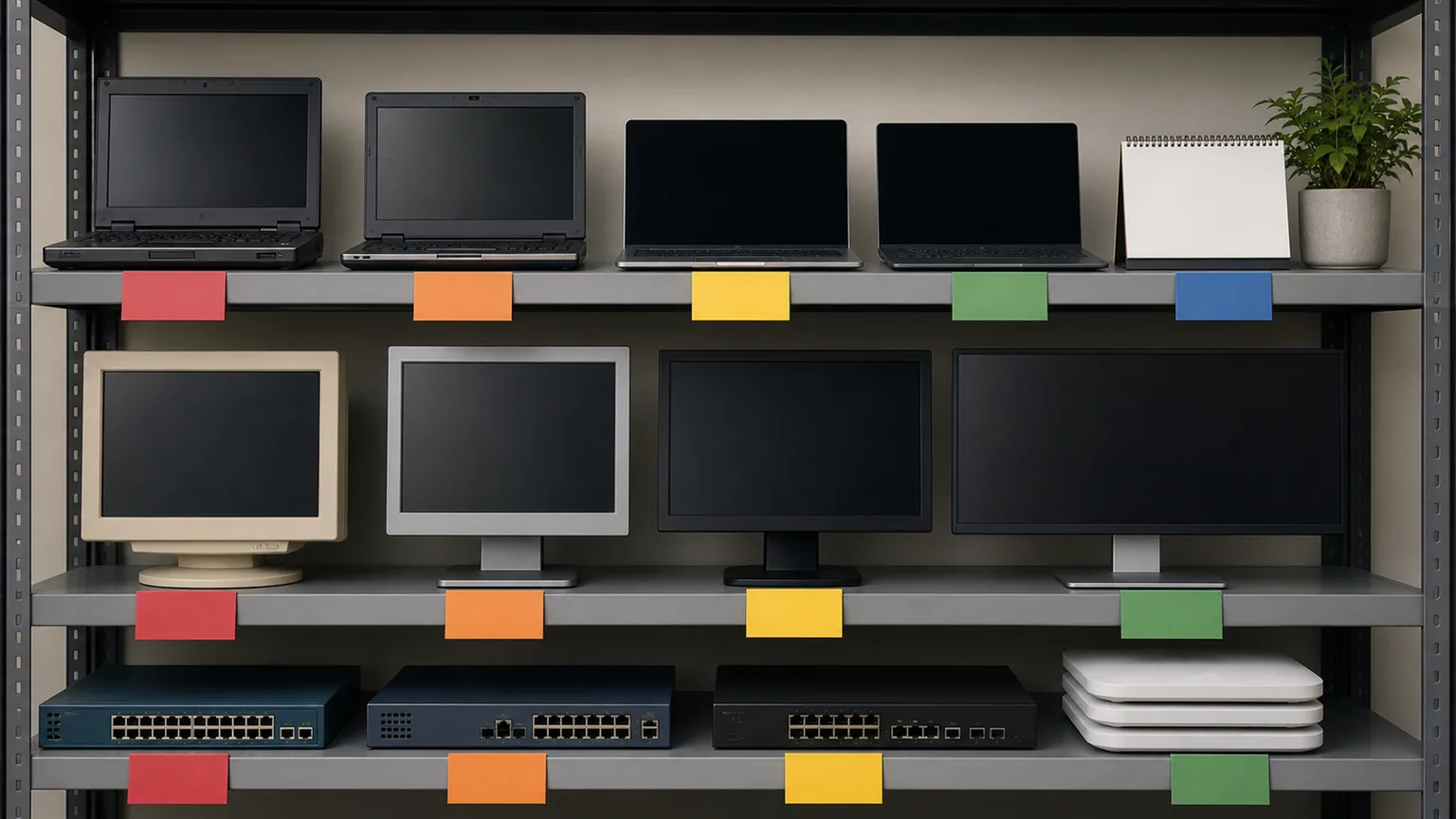
Recurring costs include subscriptions, support, hosting, connectivity, security services and cloud storage. One-time costs include new computers, network upgrades, office cabling and server replacement.
This distinction makes cash flow easier to understand. It also prevents a large replacement project from being mistaken for a normal monthly IT cost.
Set priorities by risk and business impact
Not every old device requires immediate replacement. Priority should depend on how a failure would affect the business.
- Critical: unsupported systems, failing storage, missing backup or equipment that stops core work.
- High: unstable computers used by finance, management or customer-facing teams.
- Planned: equipment that still works but is approaching the end of its useful life.
- Optional: improvements that increase comfort but do not address a current operational risk.
This approach directs limited funds to the areas where downtime or data loss would be most expensive.
Plan the replacement cycle for computers and equipment
A replacement plan should include device age, warranty, operating-system support, performance and repair history. A computer that regularly interrupts an employee can cost more in lost time than a planned replacement.
- Replace in groups where standardisation reduces support effort.
- Keep a small number of compatible spare devices.
- Plan data migration and user setup before the old device fails.
- Review network switches, access points and storage, not only computers.
Our guide to business computer replacement explains the practical signs that a device has reached the end of its useful working life.
How to create a realistic 12-month plan
Divide the year into maintenance, renewal and project periods. Start with unavoidable renewals and critical risks, then place equipment replacements and upgrades into months that fit the company's workload.
- List current devices, licences and services.
- Mark contract and warranty expiry dates.
- Estimate critical replacements and known projects.
- Reserve a contingency amount for unexpected failure.
- Review the plan quarterly and update actual costs.
A budget is a working document. It becomes more accurate when the business records repairs, downtime and licence use throughout the year.
Conclusion
A useful IT budget connects spending with business continuity. Inventory what the company already has, separate recurring and project costs, prioritise by risk and plan replacement before failure. This produces fewer emergency purchases and a more stable working environment.
For an initial estimate, separate labour, equipment, licences and subscriptions. Our business IT pricing guide explains how interventions are charged and which costs are agreed separately.