The speed test shows 300 Mbps and websites open quickly, but a Teams or Zoom meeting keeps breaking up. Audio is delayed, the picture freezes and employees repeatedly reconnect. This is common in offices because a video call depends on more than the maximum internet speed.
Connection consistency, delay and packet loss matter more than headline download speed. A brief interruption that is invisible while loading a web page can be obvious during a live conversation.
Latency is the time data needs to reach its destination
Latency is measured in milliseconds. When it is high, people start talking over each other, reactions arrive late and screen sharing feels slow. Causes can include a distant server, a saturated internet connection, VPN traffic, an unsuitable router or a wireless link with heavy interference.
One ping result is not enough. Measure how latency changes over time and whether it increases when other users upload large files or run cloud backups.
Jitter shows how inconsistent the connection is
If one packet takes 20 ms, the next 80 ms and the third 30 ms, the average may appear acceptable while the data stream remains unstable. That variation is jitter. Video applications can briefly compensate with buffering, but larger fluctuations make sound break up.

Jitter often appears with weak WiFi, congested channels or devices repeatedly moving between access points.
Packet loss means part of the data never arrived
A small percentage of packet loss may be enough to damage a conversation. The application tries to reconstruct missing parts, producing robotic audio, frozen video or a dropped call.
The cause may be a bad network cable, switch port, weak signal, interference, overloaded access point, firewall setting or an issue at the internet provider. Teams or the laptop should not be blamed before the complete route has been tested.
Why a phone may work better than a laptop
Phones and laptops have different antennas, drivers and supported WiFi standards. A phone may connect over 5 or 6 GHz while an older laptop remains on a congested 2.4 GHz channel. The issue may also involve an outdated wireless driver, power-saving setting or old network profile.
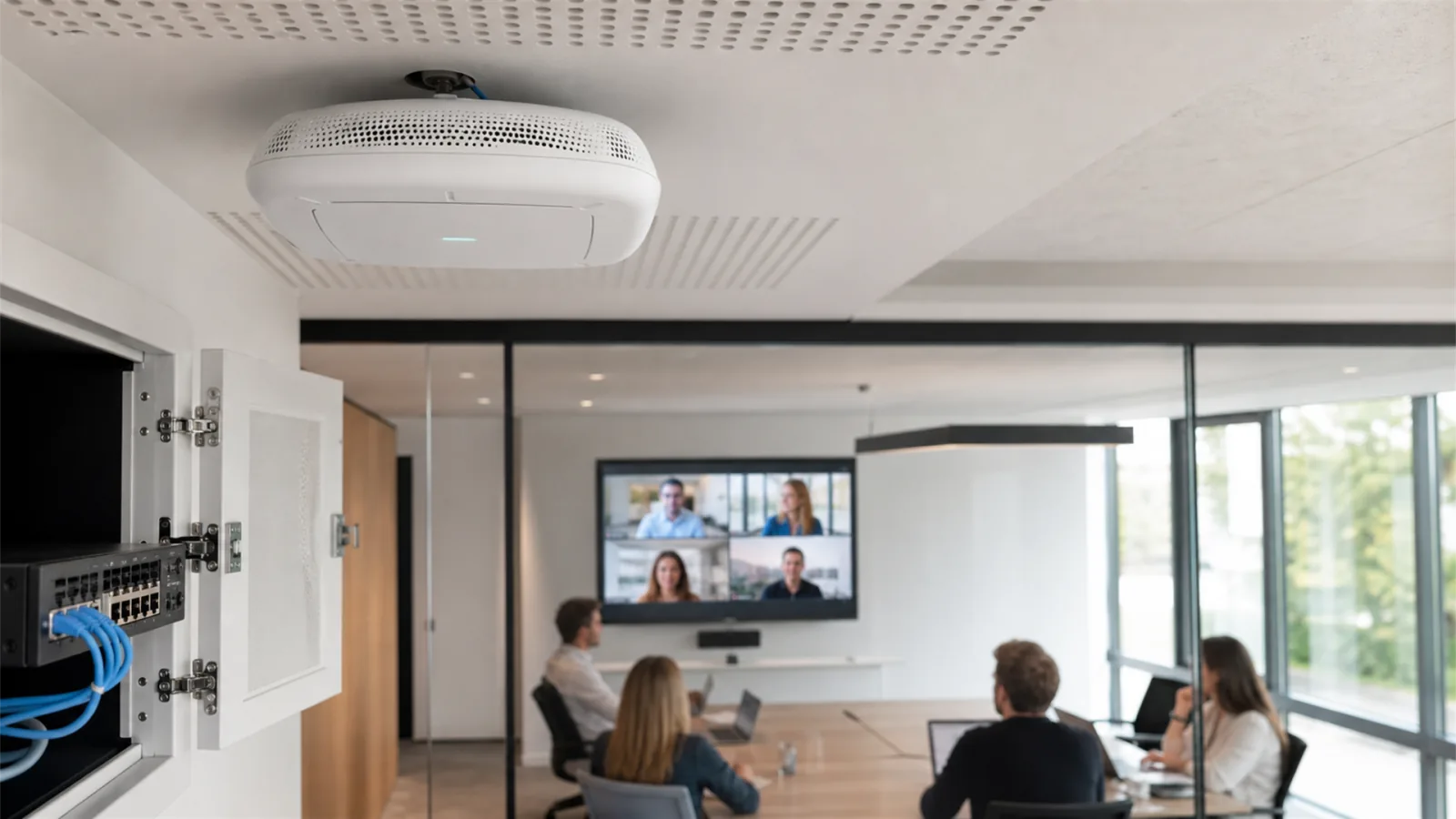
When only one person has a problem, check that device first. When calls fail for everyone in one part of the office, coverage, access point placement or channel planning is more likely to be responsible.
What a business can check before calling support
Record where and when the issue appears, how many people are affected and whether the call is stable over a cable. Check for simultaneous uploads, cloud synchronisation or backup jobs. Avoid randomly resetting routers and access points when their configuration is unknown.
Professional business WiFi troubleshooting includes signal measurements, latency, jitter and packet-loss testing, channel analysis and checks of cabling, switches, routers, firewalls and the internet connection. Only then can the right fix be chosen.
NBG TEAM provides business WiFi diagnostics and IT support for companies in Belgrade. The goal is not merely to display a WiFi icon, but to provide a connection stable enough for video calls, cloud applications and daily business services.
Sources and further reading
For help with your specific business environment, see our business IT support service.