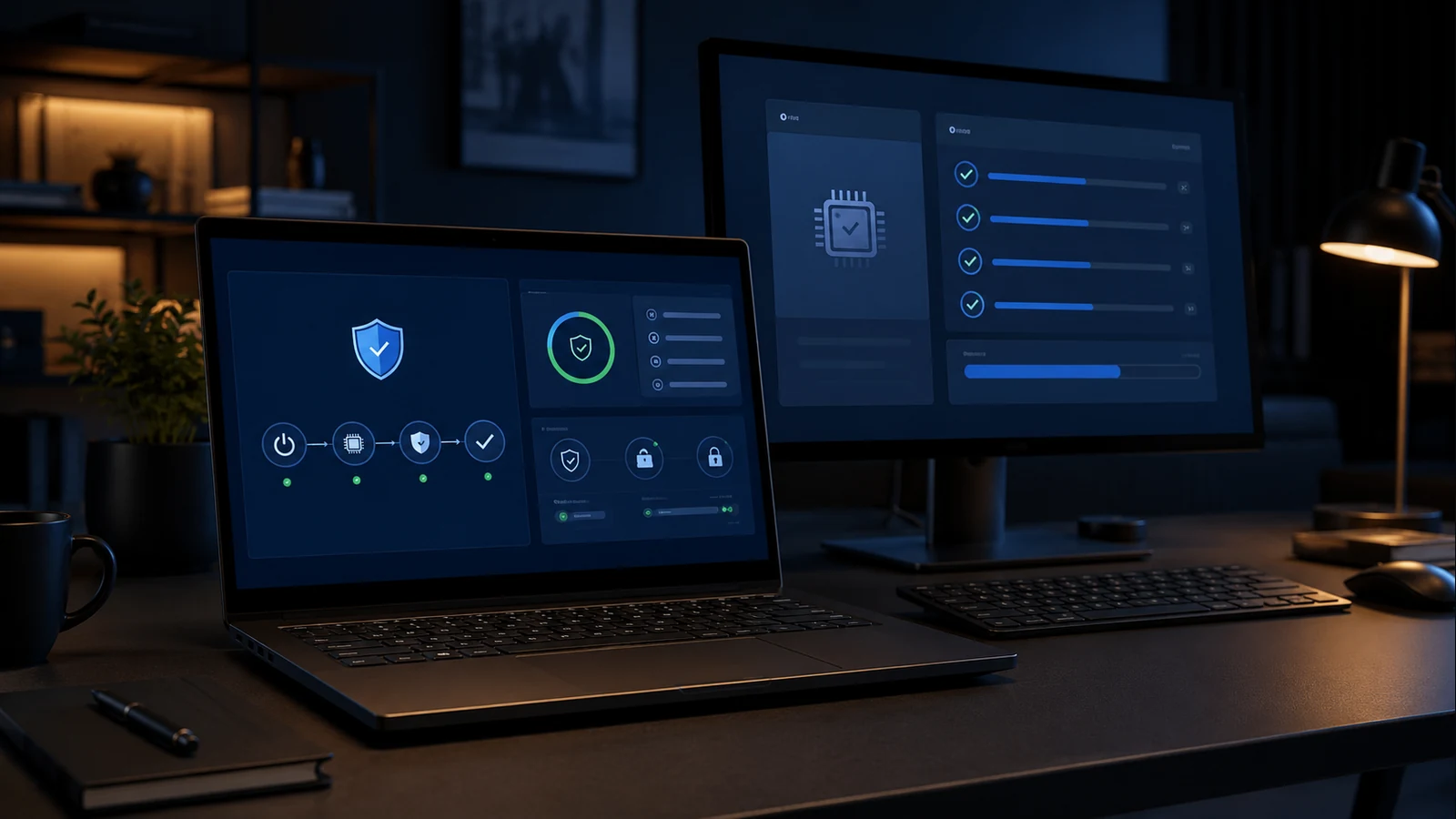
Windows 10 computers did not stop working when regular support ended in October 2025. Employees can still open applications, print documents and browse the internet. The problem is less visible: without regular security patches, every newly discovered vulnerability increases the risk to company data and the rest of the network.
Microsoft offers Extended Security Updates, or Windows 10 ESU, for organisations that need more time. The paid programme extends important security updates for eligible devices. It can be a useful bridge when a business cannot replace every computer immediately, but it is not a substitute for a modernisation plan.
What Windows 10 ESU includes
ESU delivers critical and important security updates to supported Windows 10 computers. It does not provide new features, regular improvements or full technical support. Each device must meet the programme requirements and be enrolled and activated correctly.
For commercial customers, the first year runs until October 2026 and later years cost more. Microsoft also states that entering the programme later requires payment for previous years, so postponing the decision does not mean buying only the final year.
When ESU is a sensible temporary option
ESU can make sense when a computer runs an essential business application that is not ready for Windows 11, when it controls specialised equipment or when replacement must be spread across several budget periods. It can also be appropriate for a small number of devices with a clear retirement date.

Those systems should still be documented, limited to necessary work and protected with additional controls. ESU cannot fix an old hard drive, insufficient memory, a failing power supply or a computer that slows employees down every day.
When upgrading to Windows 11 is better
If the computer supports Windows 11 and the hardware is in good condition, an upgrade may offer the best value. Check TPM, Secure Boot, available storage, drivers, antivirus and the compatibility of business software first.
Do not upgrade every device on the same day. Make a backup, test one or two representative computers and continue in controlled groups. This prevents an unexpected printer, VPN or application problem from interrupting the entire business.
When replacement is the better investment
An old business computer can consume more time than its accounting value suggests. Slow startup, Outlook freezes, low disk space, fan noise and repeated interruptions all have a cost in lost employee hours.
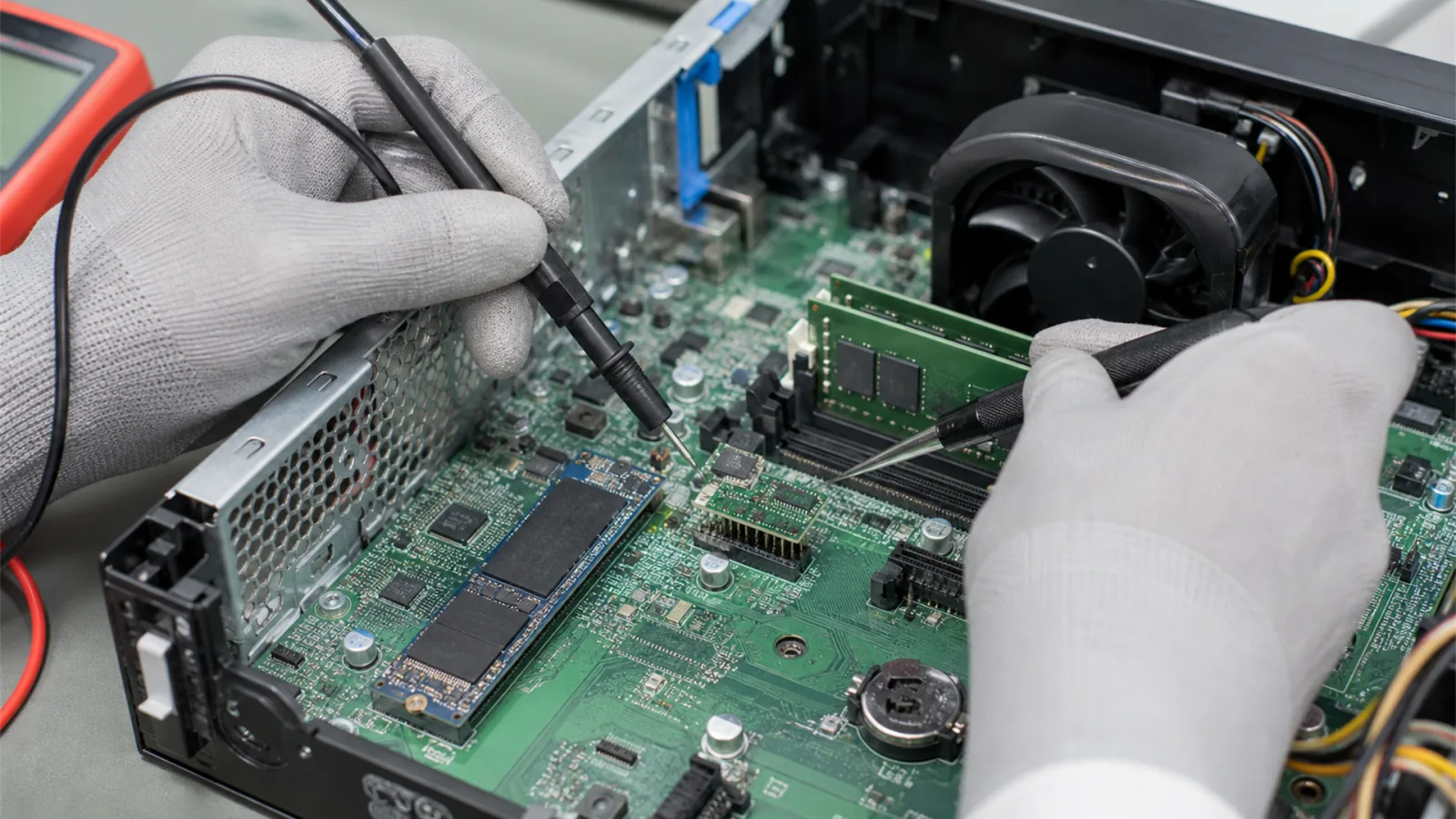
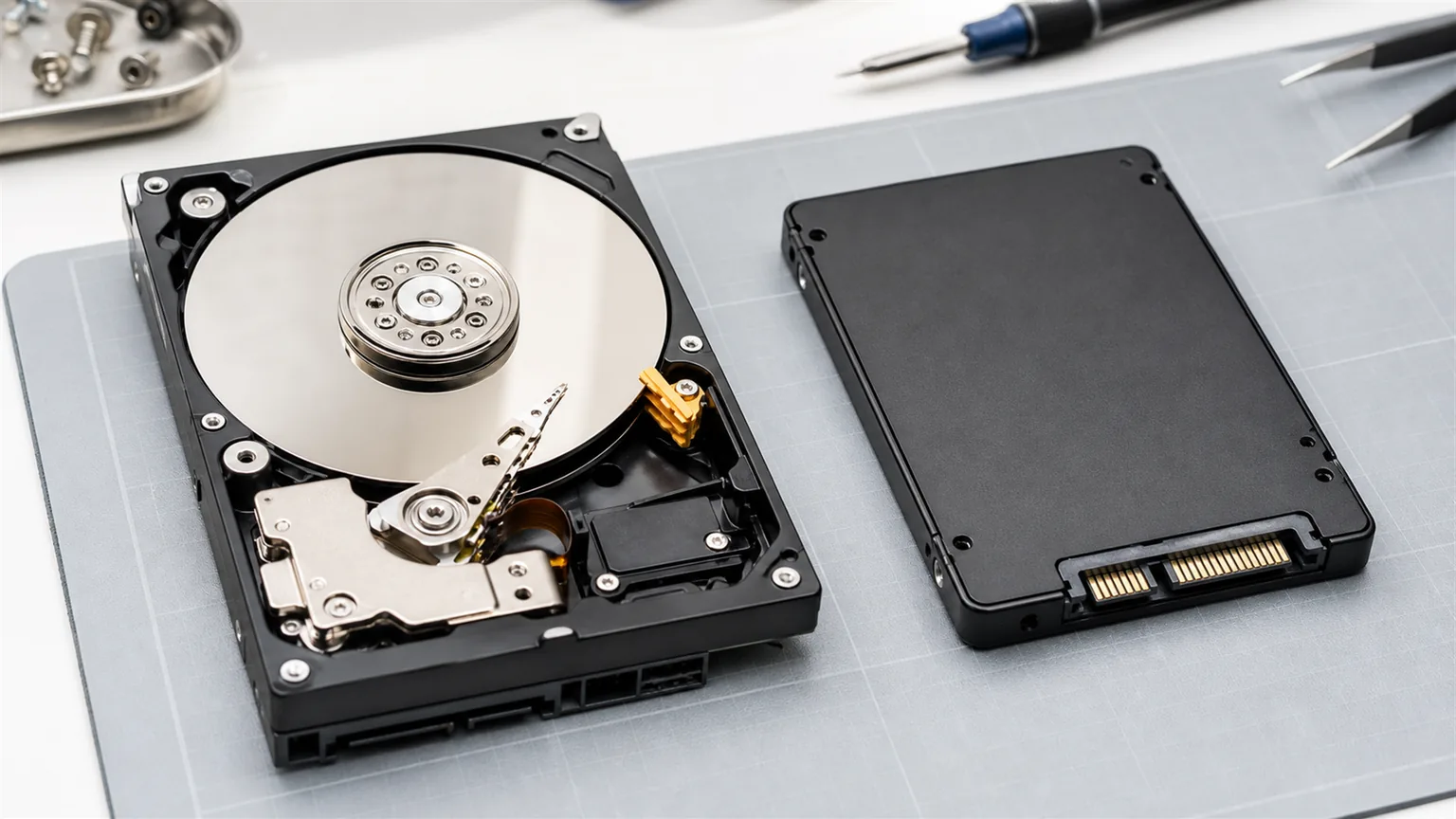
If a device has an unsupported processor, an HDD or too little RAM, an ESU licence may only delay the inevitable. A new business computer provides a longer support period, stronger security and fewer interruptions. The configuration should match the employee's actual work rather than an arbitrary premium specification.
Build an inventory before making the decision
List each computer's model, age, processor, memory, drive, Windows version and critical applications. Then place devices into three groups: upgrade to Windows 11, temporary ESU or replacement.
NBG TEAM can assess business computers, check compatibility, create backups, manage phased upgrades and prepare replacement workstations. The goal is a realistic plan that avoids unnecessary hardware spending while removing risky Windows 10 devices from the business network.
Sources and further reading
For help with your specific business environment, see our business IT support service.